A native file manager for Mac
Find your way.
Through your files.
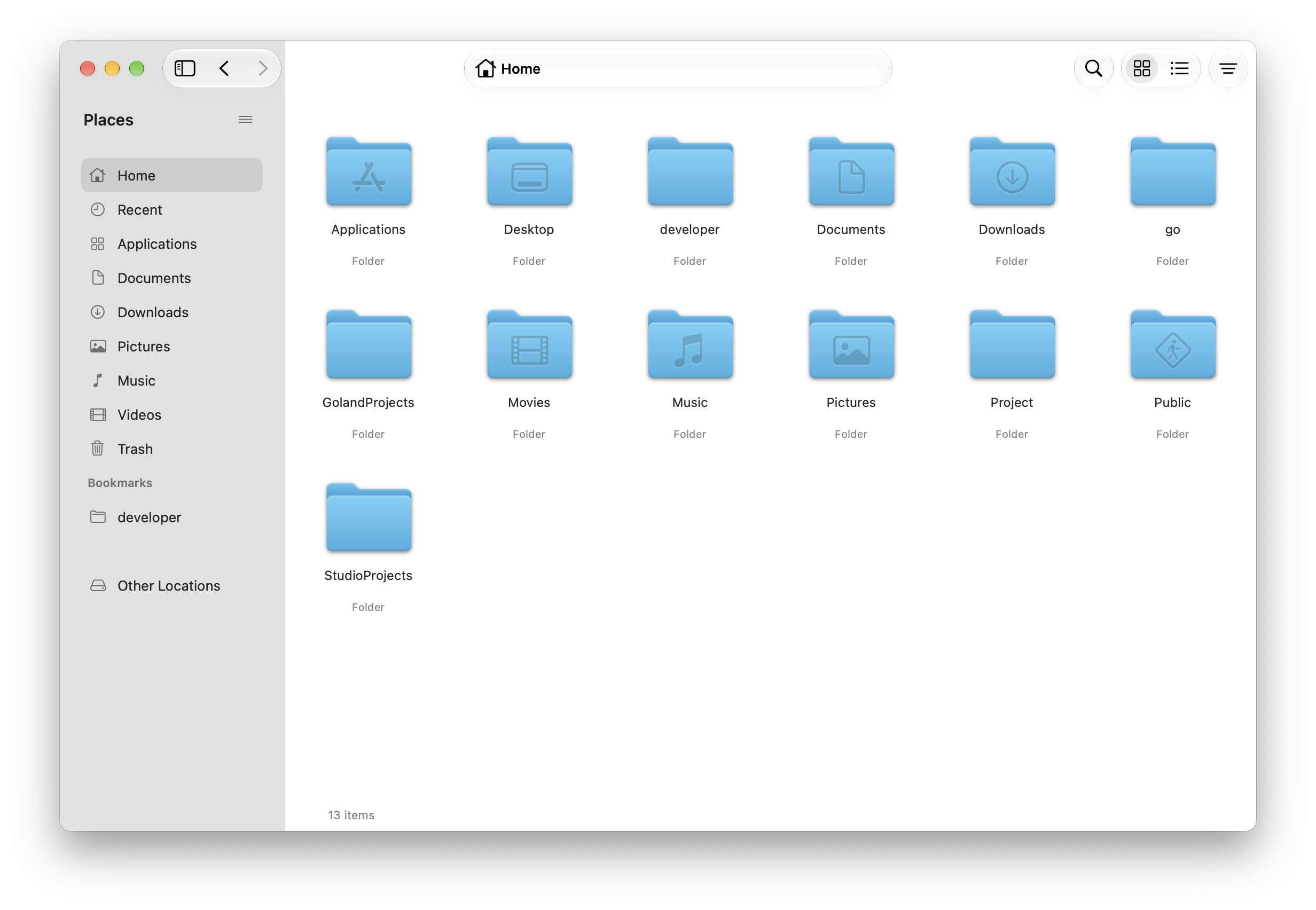
Browse with tabs and bookmarks, search your folders,
and keep track of your file transfers.
Choose from 28 language options, or follow your Mac’s language.
Keep track of
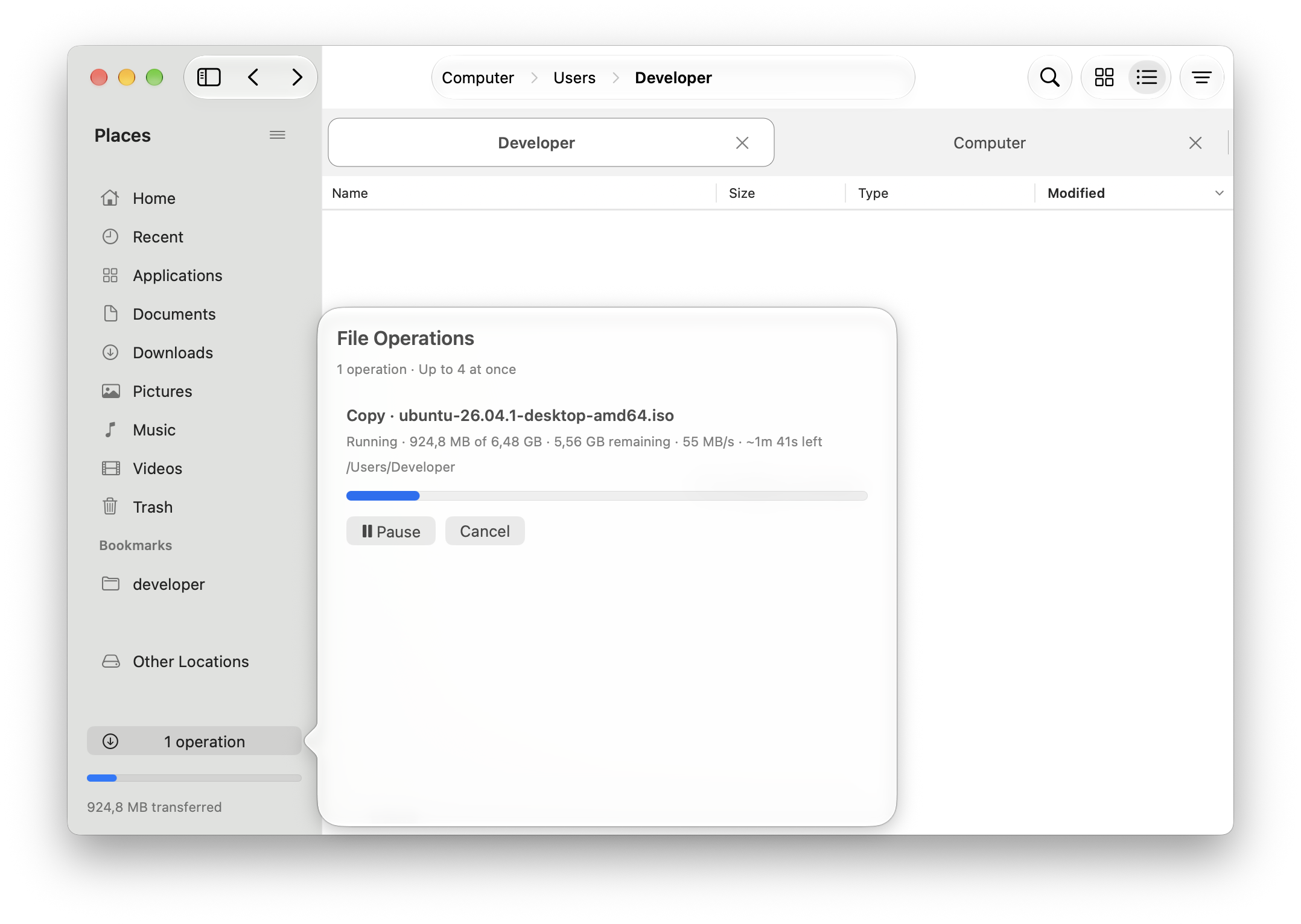
your transfers.
See progress, speed and time remaining while you keep browsing. Pause a transfer when you need to, or resume an interrupted job after reopening the app.
Rename files
in batches.
Add dates and numbering, find and replace text, or tidy up names while keeping extensions. Preview the results and check for conflicts before applying.
See all features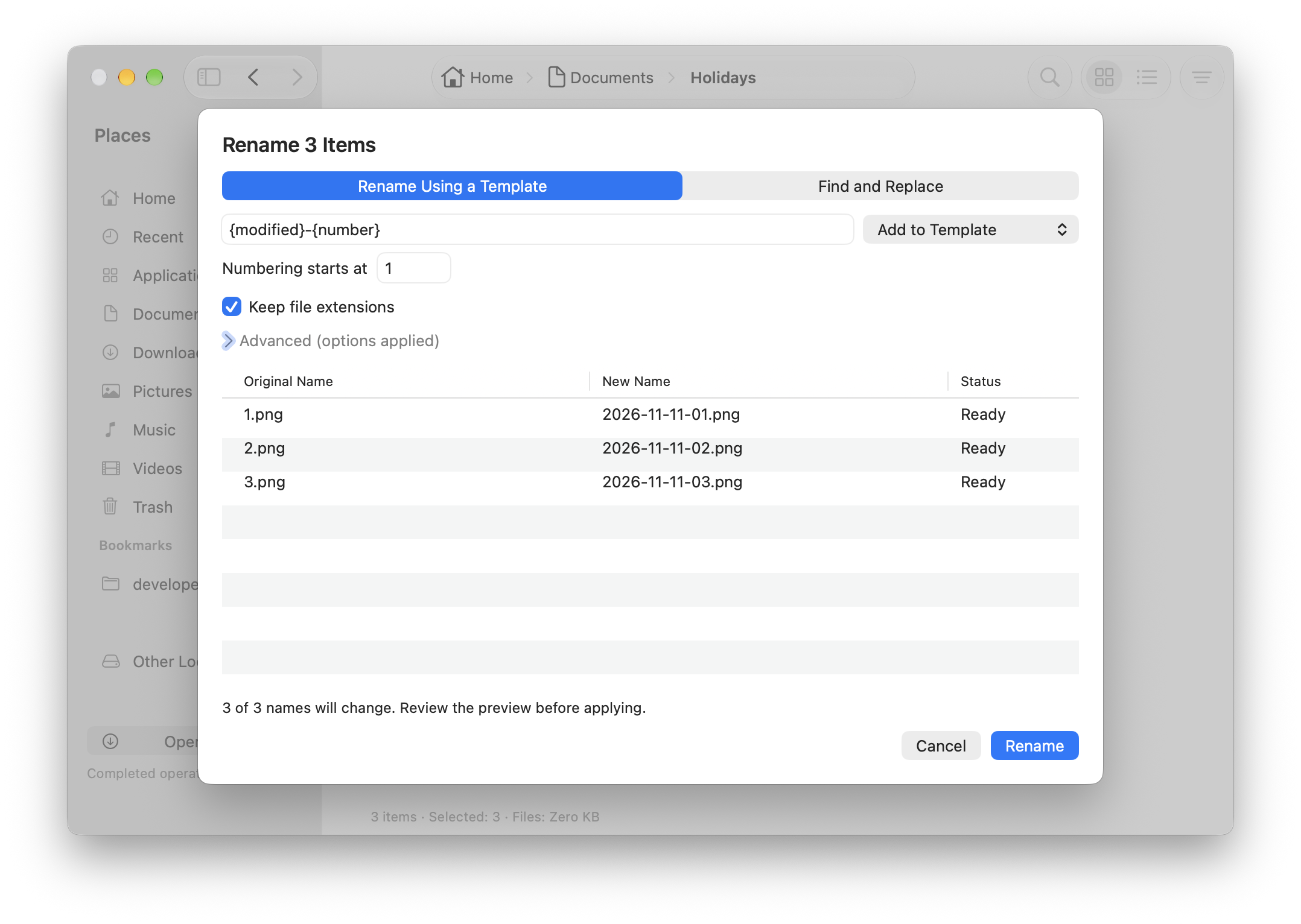
Download Navitosh.
Free for Apple silicon Macs. macOS 26 or later.
Download for MacUnzip, then move Navitosh to your Applications folder.
Installation help